Get Chori on Google Play
We need 20 testers to keep the app installed for 14 days before Google approves us for public release. Your install directly helps Chori launch on the Play Store.
Why this matters
Google requires a closed testing period before any new app goes public. We need real people to install and use Chori through the Play Store — not just download it. Once we hit 20 testers for 14 days, Chori becomes available to everyone on Android.
Use the same Google account that's on your Android phone. Check Play Store → profile icon to see which email.
Join Testers Group →Step 1 not working? Try this
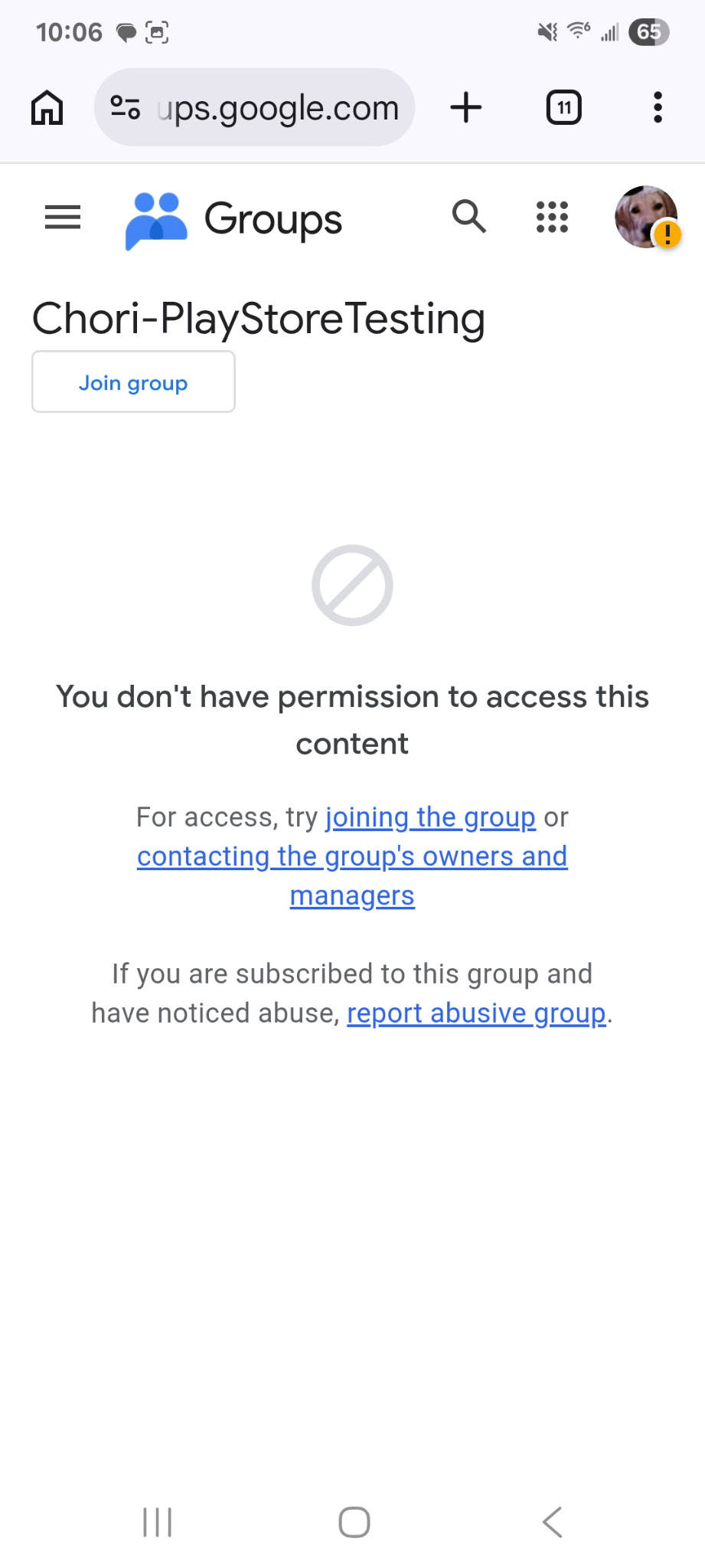
Some users see a "You don't have permission" screen. If that happens, tap "joining the group" link on that page — it usually works from there.
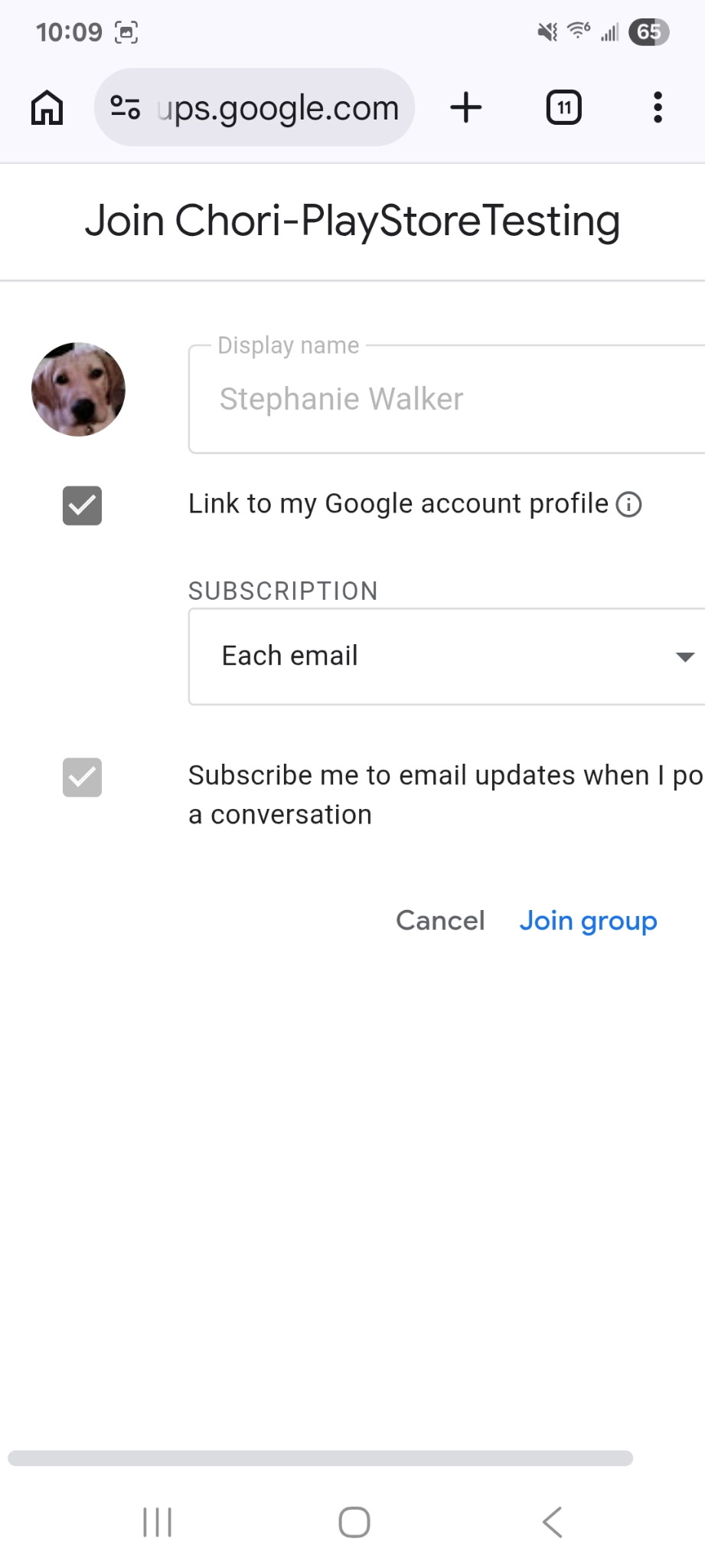
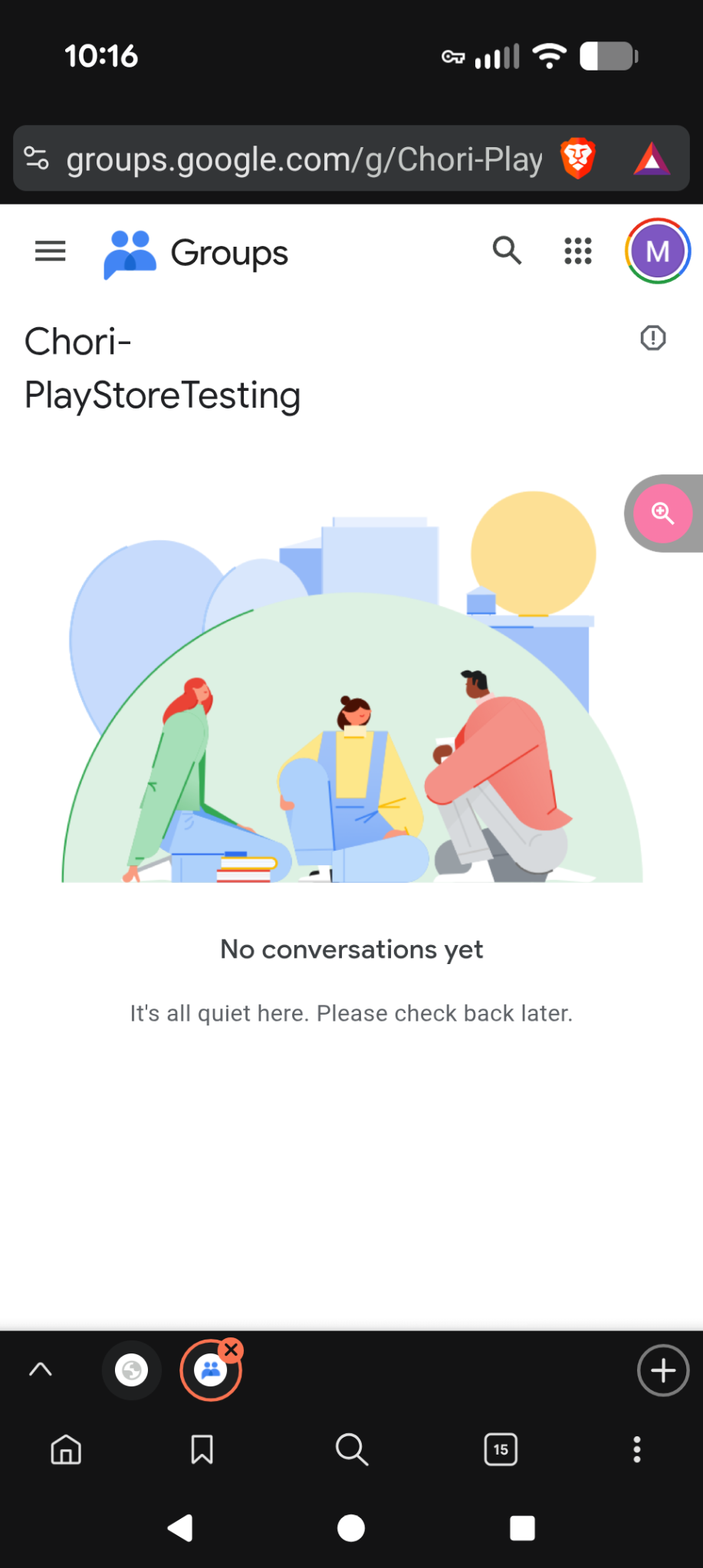
After joining the group, tap below to install. It may take a few minutes for Google to recognize you. If it says "not available," wait 5 minutes and try again.
Get Chori on Google Play →You'll get automatic updates through the Play Store. Please keep the app installed for at least 14 days to help us reach the approval threshold. Thank you!
Direct APK Download
If you prefer to install without the Play Store, you can sideload the APK directly. Note: APK installs don't count toward our Play Store testing goal.
Download APKYour phone may ask you to allow installation from unknown sources — this is normal. Go to Settings → Apps → your browser → "Allow from this source."